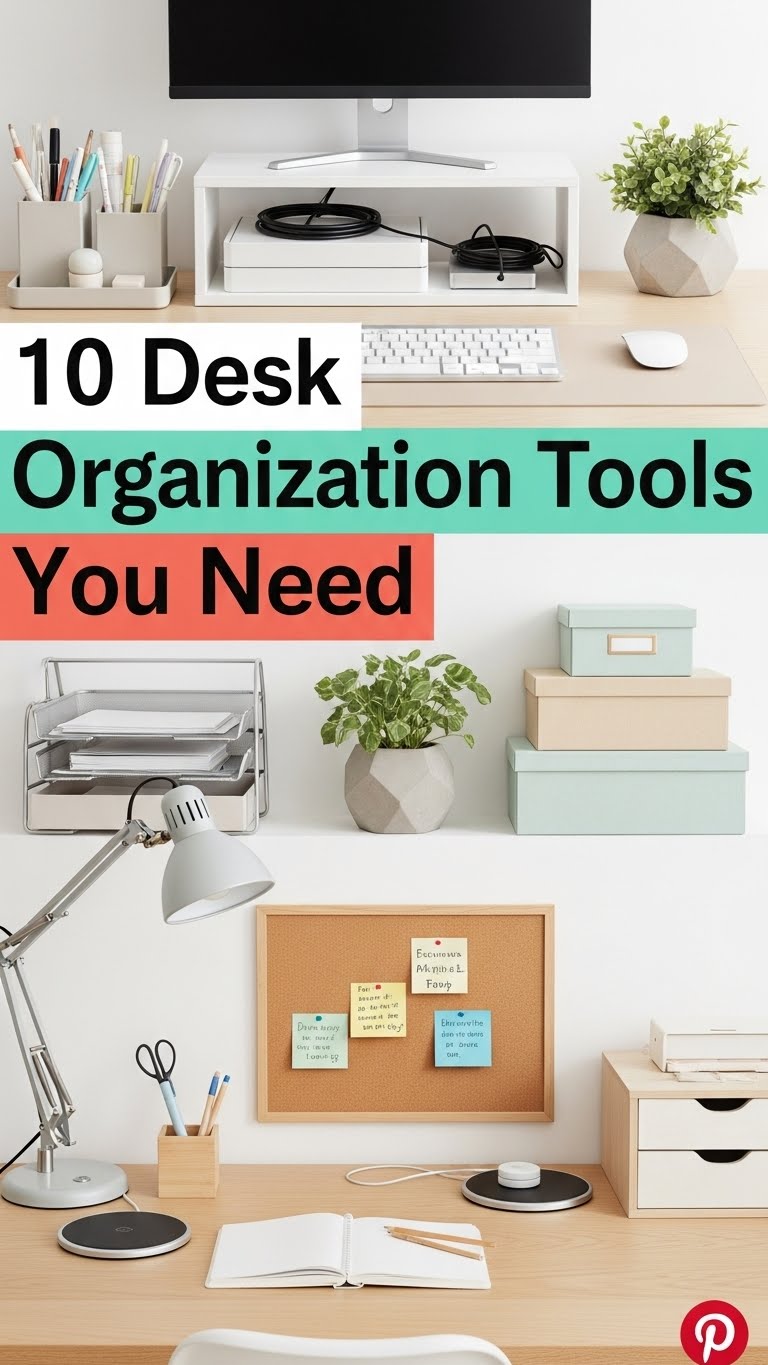
A clean and organized desk is more than just visually appealing—it plays a crucial role in improving focus, productivity, and efficiency. Whether you work from home, study, or manage an office, clutter can quickly build up, making it harder to concentrate and find what you need. The right desk organization tools can transform your workspace into a functional and inspiring environment that supports your workflow.
This detailed guide explores ten essential desk organization tools that help you create order, reduce distractions, and make the most of your workspace. Each tool is practical, affordable, and designed to bring structure and calm to your daily routine.
1. Desk Drawer Organizers
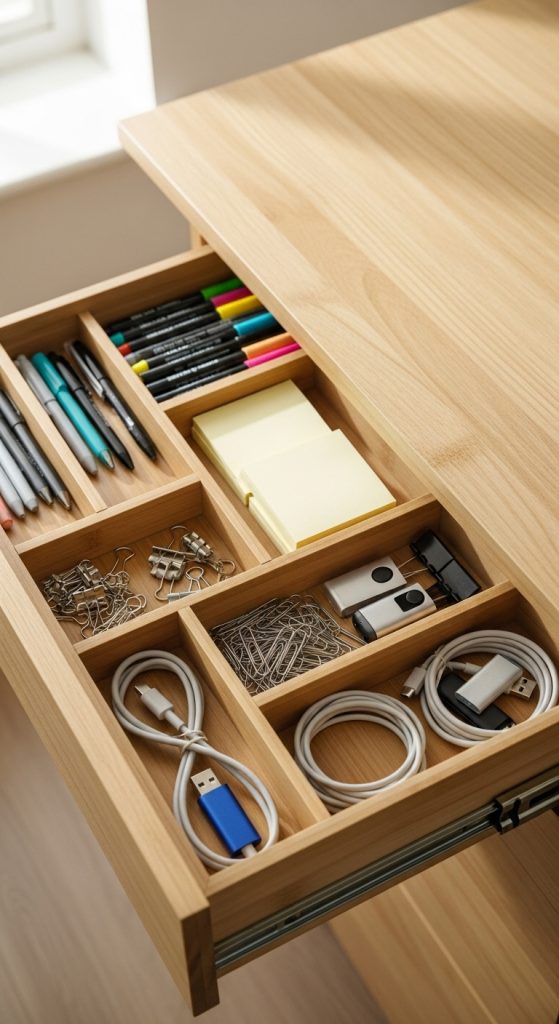
Desk drawer organizers are among the most effective tools for keeping small items tidy and accessible.
How they help:
Pens, paper clips, sticky notes, USB drives, and other small office supplies can easily become scattered. Drawer organizers divide your storage space into sections, making it simple to find what you need at a glance.

Features to look for:
- Adjustable compartments for flexibility
- Durable materials like bamboo or plastic
- Non-slip bottoms to prevent sliding
Why it matters:
A clutter-free drawer prevents frustration and keeps your desktop clear. When every item has a designated place, you waste less time searching for essentials and maintain a more efficient workspace.
Budget tip:
Use small boxes or recycled containers as dividers instead of buying new organizers.
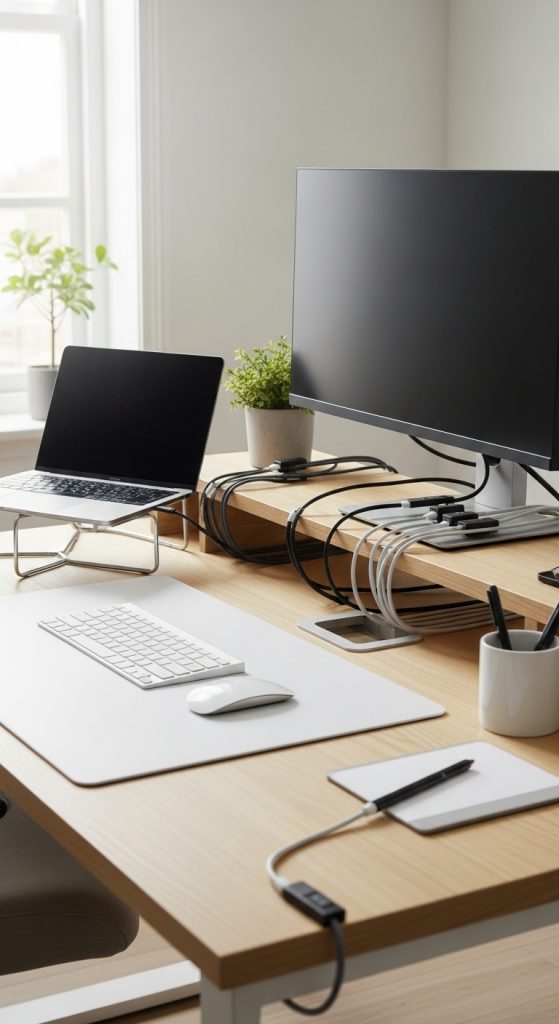
2. Cable Management System
Few things make a desk look messier than tangled cords. A cable management system keeps wires neat, hidden, and tangle-free.

How it helps:
It prevents tripping hazards, protects cables from damage, and enhances the visual appeal of your desk.
Features to look for:
- Cable clips and sleeves for bundling wires
- Cable trays or boxes to conceal power strips
- Adhesive mounts for organizing cables along the underside of the desk
Why it matters:
A clean cable setup creates a minimalist look and reduces distractions. It also makes it easier to clean your workspace and identify cables when unplugging or replacing devices.
Budget tip:
Velcro straps or reusable zip ties are inexpensive yet effective for grouping cables.

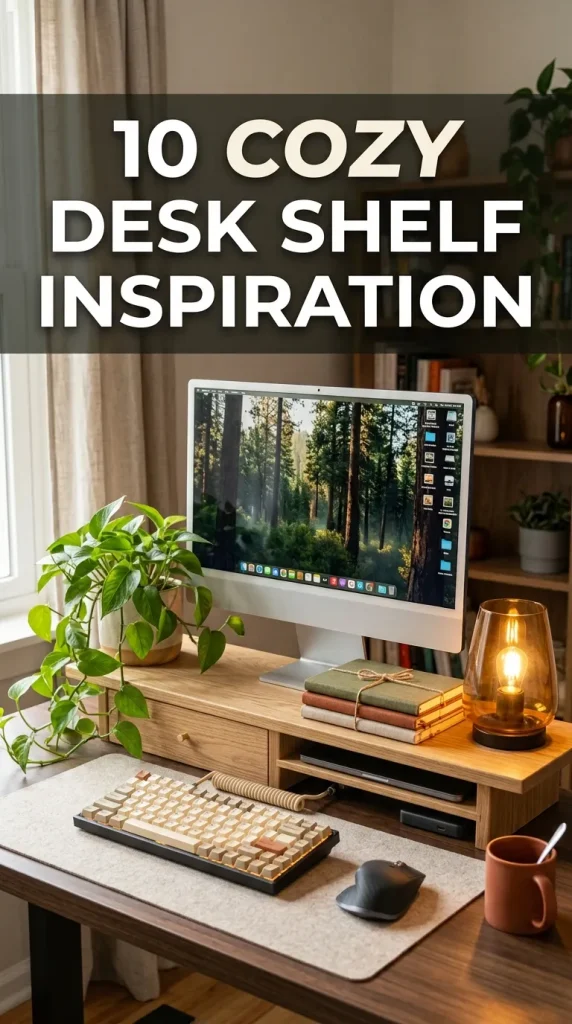
3. Monitor Stand with Storage
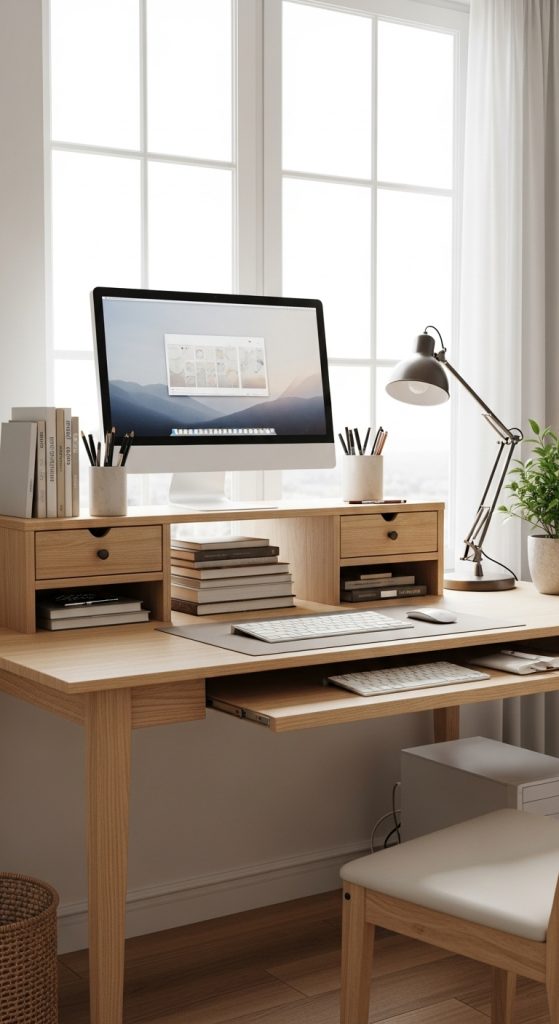
A monitor stand is both functional and ergonomic. It elevates your screen to eye level, promoting better posture while freeing up space underneath for storage.
How it helps:
By lifting your monitor or laptop, you reduce strain on your neck and shoulders. The additional space beneath the stand can hold notebooks, external drives, or a keyboard when not in use.
Features to look for:
- Adjustable height for ergonomic comfort
- Built-in drawers or shelves
- Sturdy materials like wood, metal, or acrylic
Why it matters:
An elevated monitor contributes to a more organized desk layout, improving comfort and workflow.

Budget tip:
Stack sturdy books or use a simple wooden riser as a low-cost alternative.
4. Desktop File Organizer
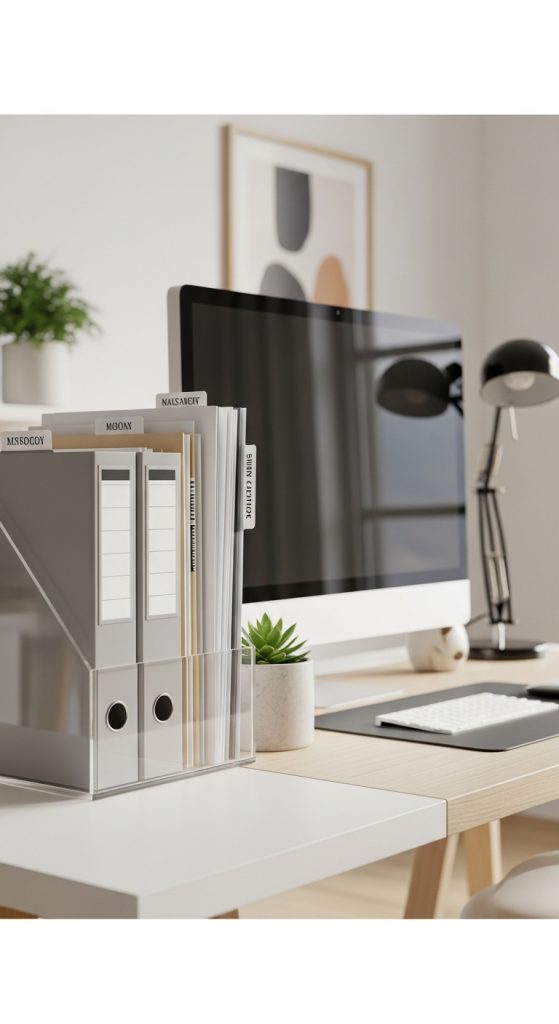
If paperwork constantly piles up on your desk, a file organizer can restore order quickly.
How it helps:
It keeps documents, folders, and mail sorted so that important papers are always within reach but neatly contained.
Features to look for:

- Vertical or tiered designs for easy access
- Labels or color-coded folders for categorization
- Compact size that fits comfortably on your desk
Why it matters:
When papers are organized, you save time and reduce the mental clutter caused by stacks of unsorted documents.
Budget tip:
Repurpose magazine holders or cardboard boxes by decorating them with contact paper.
5. Pen Holder or Stationery Organizer
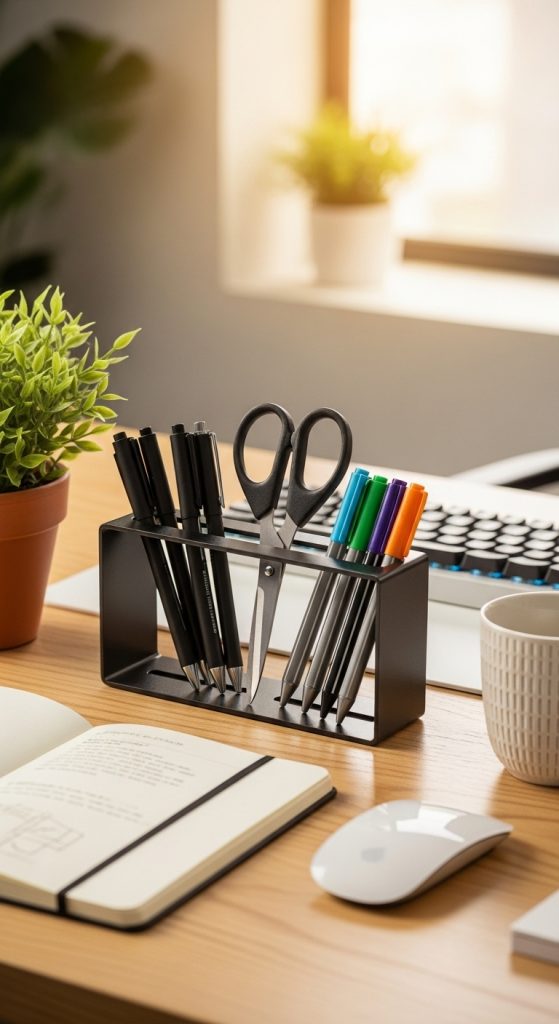
A pen holder might seem simple, but it is a powerful tool for reducing small-item clutter.
How it helps:
It provides a dedicated spot for pens, pencils, markers, scissors, and other tools you frequently use.

Features to look for:
- Multiple compartments for sorting items
- Rotating bases for easy access
- Compact design that does not overcrowd the desk
Why it matters:
Having your stationery neatly organized improves efficiency and adds visual balance to your workspace.
Budget tip:
Use jars, mugs, or tin cans as creative and affordable pen holders.
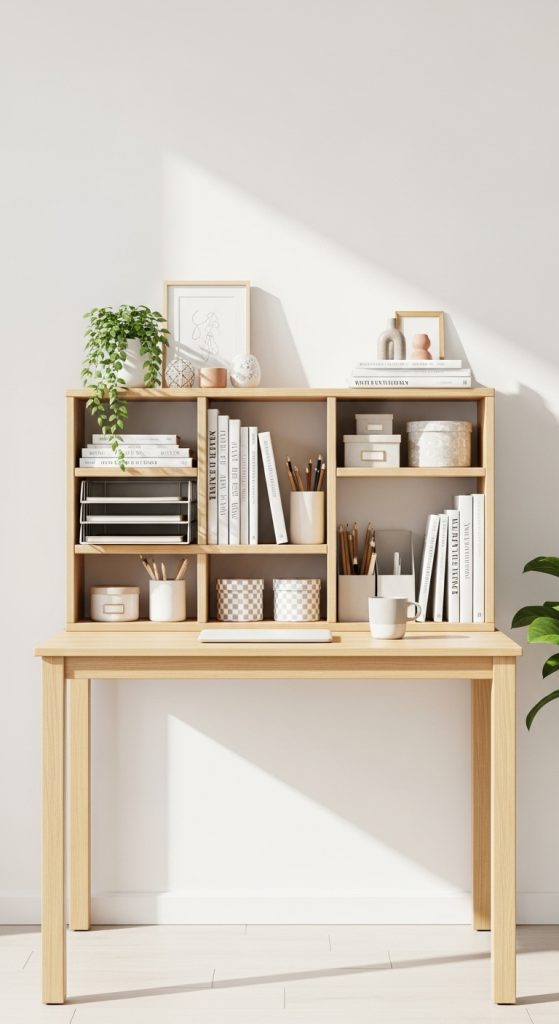
6. Desk Shelf Organizer
A desk shelf organizer provides multi-level storage, maximizing vertical space while keeping essentials within reach.
How it helps:
It helps separate items like notebooks, decor pieces, and office supplies, preventing clutter from spreading.
Features to look for:
- Adjustable shelves or modular stacking options
- Combination of open shelves and drawers
- Sturdy build to hold heavier items like books or files
Why it matters:
Using vertical space efficiently keeps your desk clear and organized without sacrificing storage.
Budget tip:
Look for small wooden or metal shelves that can double as display stands.

7. Desk Mat or Workspace Pad
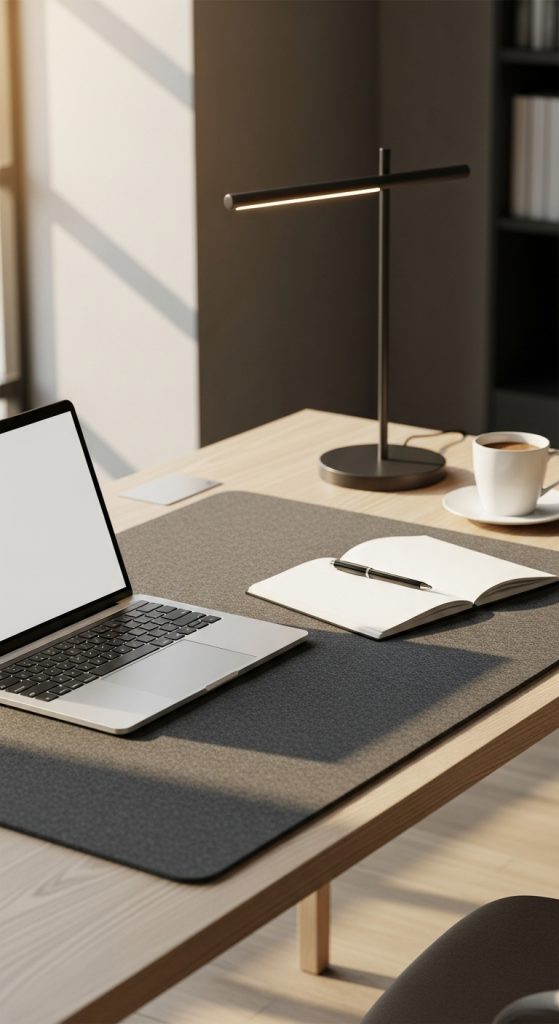
A desk mat adds both protection and organization to your workspace.
How it helps:
It defines your work area, protects the desk surface from scratches or spills, and creates a comfortable space for writing or using a mouse.
Features to look for:
- Non-slip backing
- Water-resistant material
- Large enough to cover key areas without overwhelming the desk
Why it matters:
A desk mat provides structure and helps you mentally separate your workspace from the rest of your environment.
Budget tip:
Felt or leather-style mats are affordable options that add a professional touch.
8. Floating or Wall-Mounted Shelves
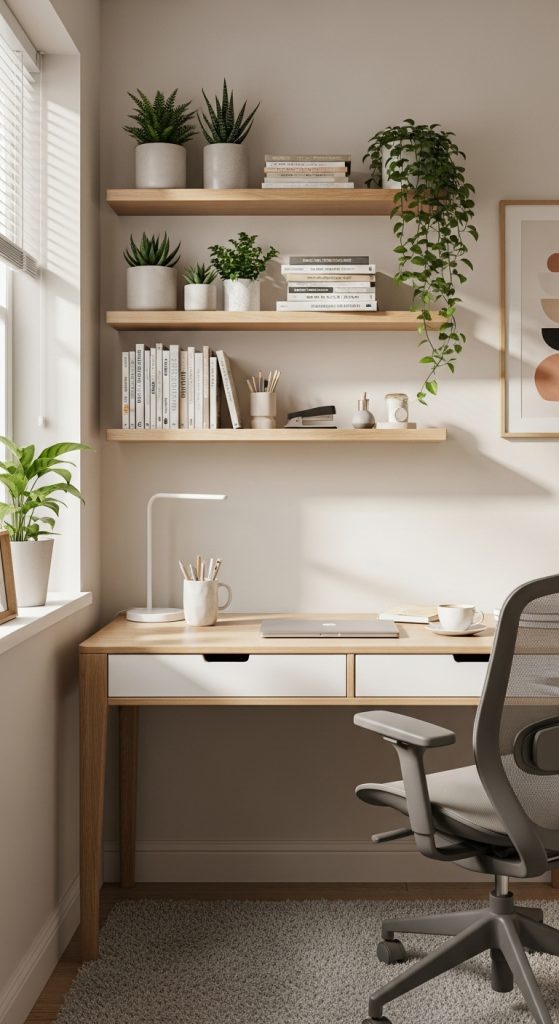
If your desk surface is small, wall-mounted shelves are a great way to store and display items without taking up workspace.
How they help:
They hold books, plants, decor, or supplies, keeping your desk free of unnecessary clutter.
Features to look for:

- Sturdy installation hardware
- Minimalist designs that blend with your decor
- Adjustable heights for flexibility
Why it matters:
Wall storage makes the most of vertical space and visually lifts the room, making your workspace appear larger and more open.
Budget tip:
Use affordable wooden boards and brackets from hardware stores to create your own shelves.
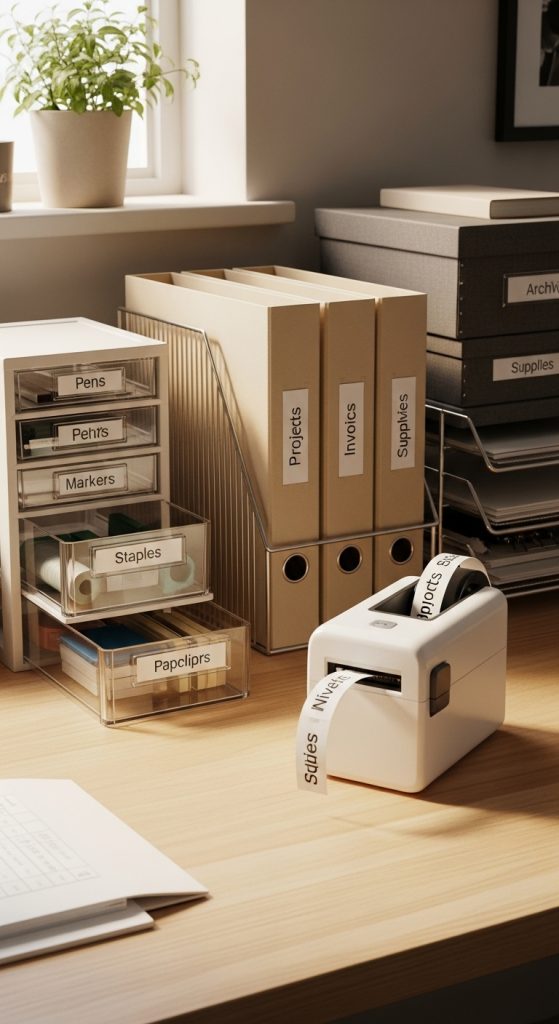
9. Label Maker
A label maker may not seem essential, but it plays a major role in maintaining organization.
How it helps:
Labels help you identify drawers, files, cables, and containers instantly, reducing confusion and keeping things in their proper place.
Features to look for:
- Easy-to-use interface
- Customizable font options
- Battery or USB operation for convenience
Why it matters:
Clear labeling prevents clutter from building up again and adds a professional look to your workspace.
Budget tip:
If you do not have a label maker, print or handwrite labels on adhesive paper instead.
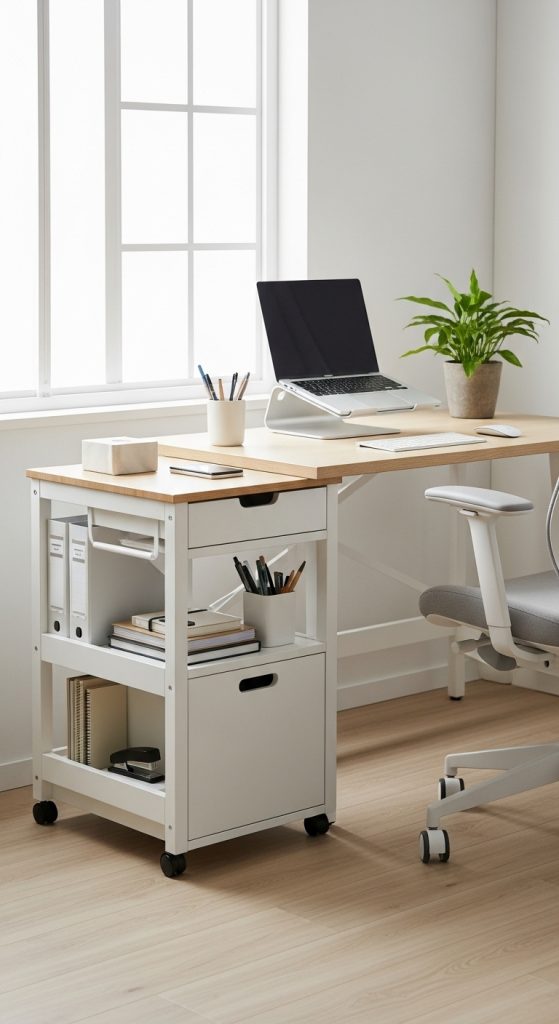
10. Under-Desk Storage Drawer or Rolling Cart
When desk surface space is limited, look underneath. Under-desk drawers or rolling carts offer extra storage without crowding your workspace.

How they help:
They provide a hidden spot for items you do not use daily, such as extra cables, notebooks, or supplies.
Features to look for:
- Compact design that fits under the desk
- Rolling wheels for mobility
- Multiple compartments for easy organization
Why it matters:
Keeping clutter out of sight helps you maintain a clean and focused environment while still keeping everything accessible.
Budget tip:
Plastic carts or hanging drawers are affordable alternatives to built-in storage systems.